For your chats.
For your laptop.
Take TrueArchive with you. Choose a sticker, save it to your phone or download a template for real stickers.
Find your favourite.
One logo, six slogans and a blue alternative. The wording on the artwork is in German.
Tap “Open image”, then save it to Photos or your gallery. A download saves the image; the steps below turn it into a sticker.
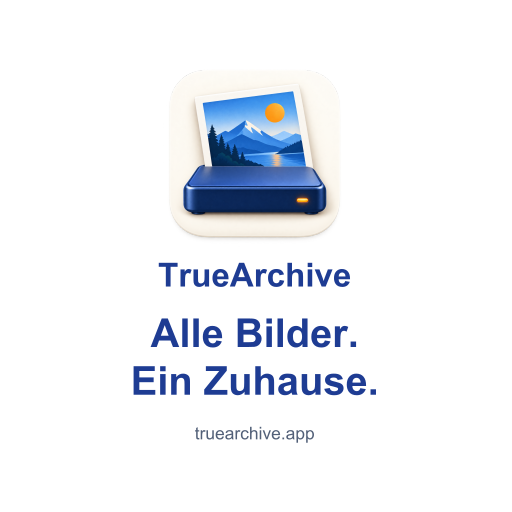
All your photos. One home. — white
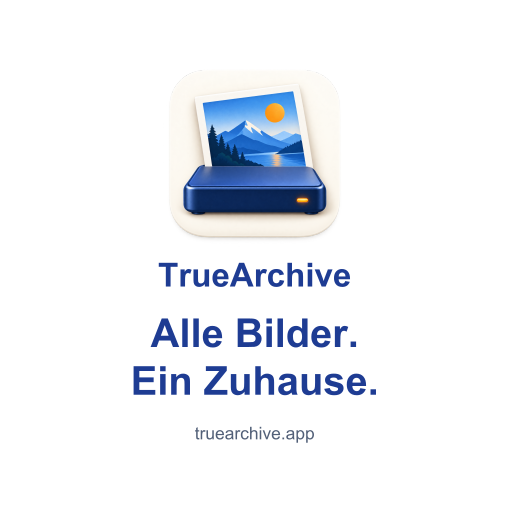

All your photos. One home. — blue
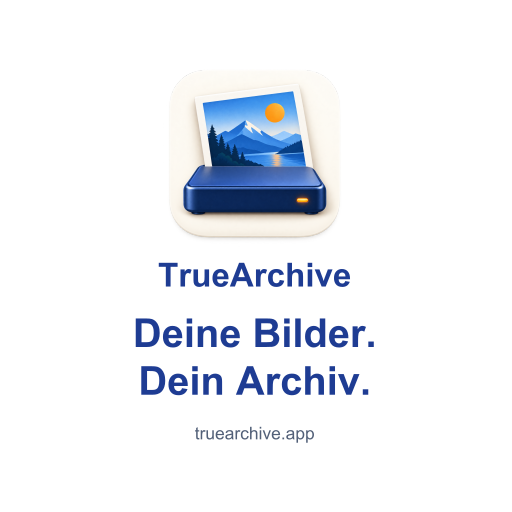
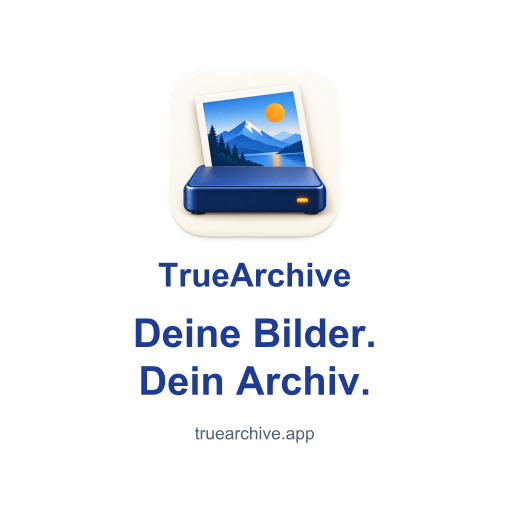
Your photos. Your archive.
Your memories. With you.
Your photos. No subscription.
Out of the cloud. Into your archive.
Collected. Organised. With you.
Save it. Make it a sticker.
WhatsApp · iPhone & Android
- Open a design above. On iPhone, touch and hold the image and save it to Photos; on Android, download it to your gallery. If it lands in Files, open it there and save the image to Photos.
- In WhatsApp, open your chat with yourself and the sticker panel. On Android, choose Create. On iPhone, tap the picture-with-plus icon → Use photo. Choose the saved design.
- Choose the preview that keeps the whole design and its wording. Send it to your own chat.
- Save a pack: on Android, tap the sticker → Add to sticker pack → New. On iPhone, choose Edit in the sticker panel, select the sticker → … → Add to sticker pack → New. Name the pack “TrueArchive” and save it.
If the feature is missing, update WhatsApp. Official instructions for iPhone and Android.
iPhone · Apple’s sticker collection
For the logo on its own, save it to Photos, open it and touch and hold the logo. Choose Add Sticker if iOS recognises it. It then appears in your sticker collection in supported apps.
Automatic subject detection can remove the slogan. For the complete designs, use the WhatsApp steps or keep the image as an image. Apple’s instructions.
Other Android apps
Sticker collections depend on the app and keyboard. Use the supplied PNG or WebP in an editor that supports your messaging app. The ZIP is a set of image files; it does not install itself as an Android sticker pack.
A place on your laptop.
For a durable sticker, choose white vinyl or PP film with a matte protective laminate. Rounded corners are less likely to catch; removable adhesive makes replacement easier.
60 × 60 mm finished sizeEach print PDF includes 3 mm bleed on every edge: 66 × 66 mm page size.
The PDFs contain the full-resolution logo and vector lettering. They use RGB colour. Ask the printer to adapt bleed and colour to its requirements and check the proof before ordering. Order the 60 mm finished size, not the PDF’s 66 mm page size.
- Sticker Mule samples — a small trial run with your own design; standard adhesive is permanent.
- StickerApp — choose low-tack white PP and a matte finish for removable laptop stickers.
Order directly from your chosen printer. These are external links, not a TrueArchive shop.
Pass it on.
You may share these designs privately and have stickers printed for your own use. Questions or feedback? lutz@truearchive.app.