

Your pictures.
Your archive.

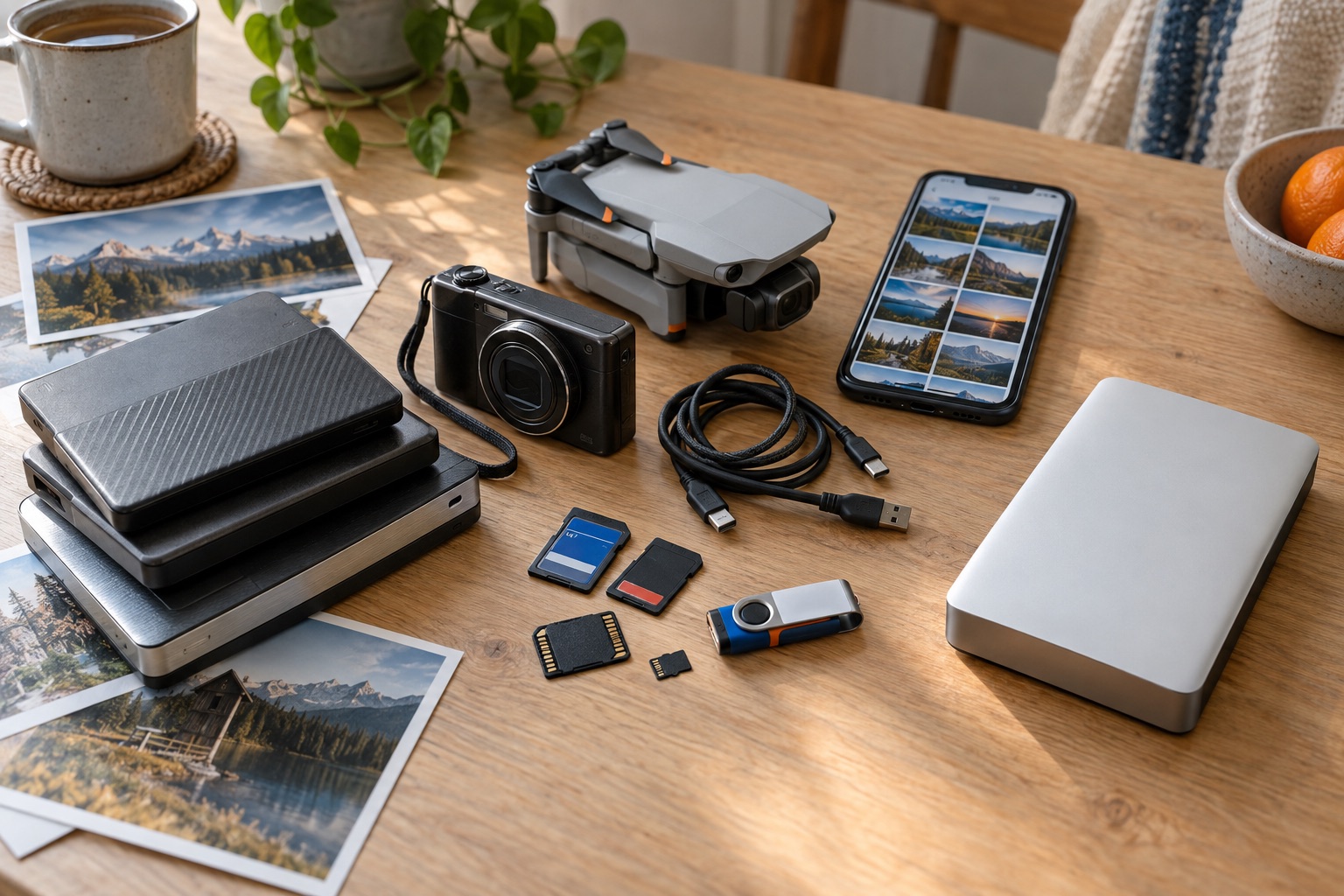
From Apple Photos, SD cards and your folders. Together on your archive drive.

Originals, finished versions and available metadata stay together. In ordinary folders that belong to you.

Why bring your pictures into one archive? Join the beta

For Mac · macOS 15+ · Intel and Apple Silicon

Sign up. We will email you when you can test TrueArchive.

Support Dentists for Africa with TrueArchive
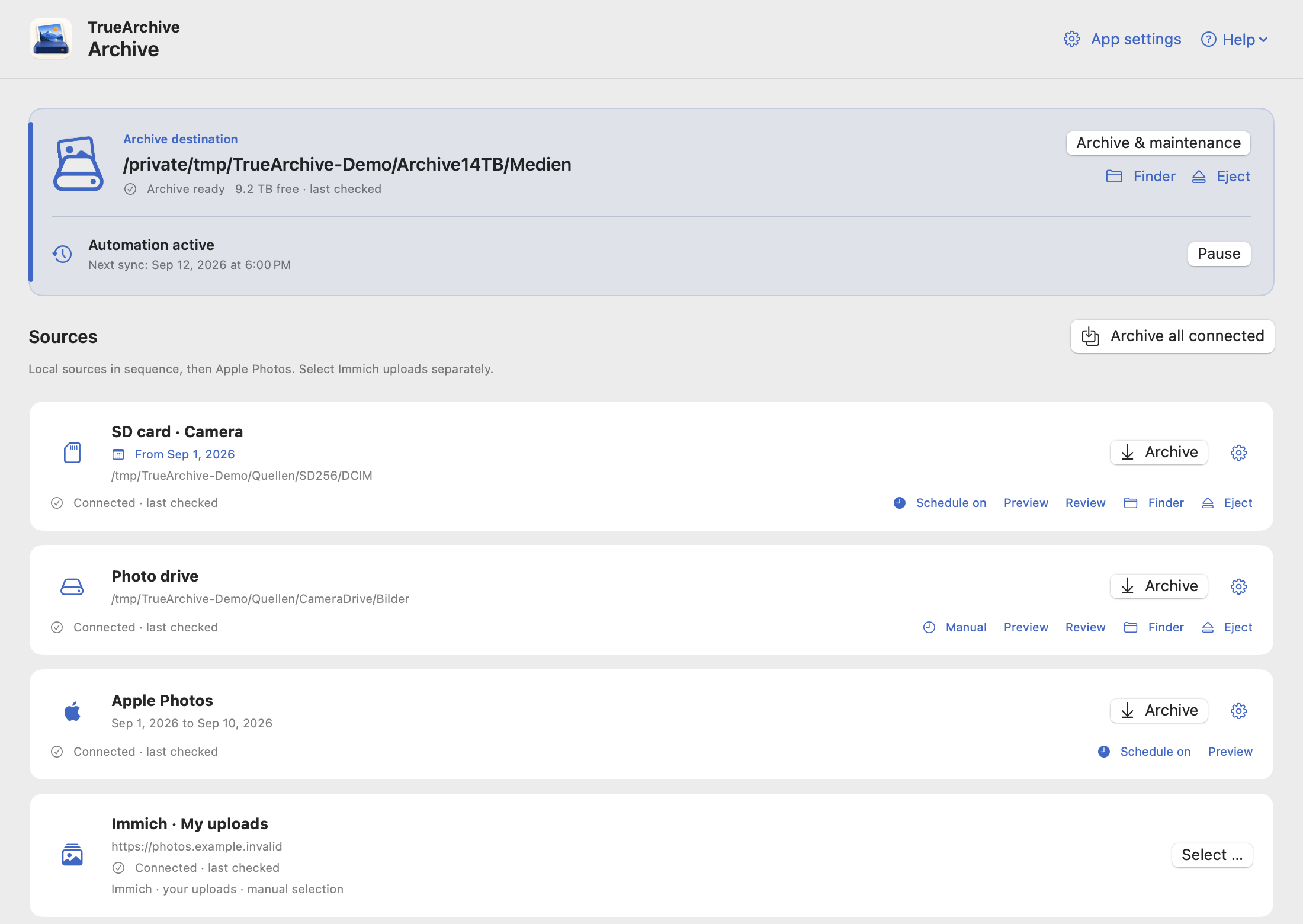
Schematic app view with example data.

Three steps to your archive.

Connect your sources and archive.
Your sources remain unchanged.

  1. Choose sources

    Add Apple Photos, cards, drives or local folders.

  2. Choose an archive

    Connect a new empty folder or an existing TrueArchive archive.

  3. Start syncing

    Once the source and archive are checked, setup is complete. Archive one source or all sources together.

A limited trial import is not needed. You start the first sync yourself; afterwards, you can enable a schedule for each source. Read the guide

What TrueArchive can do.

Current test version: Alpha 0.12.0.
See what has improved

Recognize duplicates, keep edits
Reuse identical files from multiple sources and keep their origins in the XMP. Different Nitro recipes remain separate variants when the other metadata is compatible. How it works.
Help where you need it
“?” buttons open the relevant handbook chapter. You will also find the release notes for your version there.
Archive all sources with one click
Sync local sources first, then Apple Photos using the saved capture date range. Each source gets a result; schedules remain unchanged. Open previews and partial selections are replaced.
Import from Apple Photos
Sync the accessible library without an overall item limit. An optional saved capture date range limits both manual and scheduled syncs.
Connect cards, drives and folders
Add SD cards, external drives and any local picture folders. Each source has its own page with settings and connection status.
Safely disconnect source drives
Use the eject icon to disconnect external source volumes once work has finished. Connections stay saved for later; the archive volume is protected.
Keep RAW and XMP together
Import RAW files with their existing XMP sidecars. Supported metadata changes are merged; conflicts remain visible.
An archive of ordinary files
Pictures and XMP files are organized by date on your drive. Accessible in Finder and searchable with an existing digiKam installation.
See what will change first
Check the preview for folder sources and select specific files. Your selection stays intact when you switch between sources and the destination. Your sources remain unchanged.
Keep track of your work
Follow ongoing work in the fixed status area and menu bar. Your destination folder and free space stay visible; local imports can be paused.
Regular syncs
Enable schedules for each source, for example daily. Apple Photos uses the same saved date range in small batches while TrueArchive is running and the Mac is awake.
Tag pictures locally
Apple Vision can add English keywords directly to XMP files. Recognition happens on your Mac; existing entries stay intact.
Keep the app up to date automatically
TrueArchive checks for updates daily and installs them when idle. Running and paused archive operations stay protected. You can choose to update manually instead.

You choose whether to enable schedules and keyword tagging. The metadata included and the pilot’s limitations are explained in the Handbook.

Planned modules8 plans · not yet available

These are the things we would like to add. Scope and order may change with your feedback; there are no fixed release dates yet.

Google Photos
Already specified: import pictures and metadata that can be matched to them from a locally extracted Google Takeout export. This does not provide automatic cloud sync.
Adobe Lightroom Cloud
Regularly bring pictures and available metadata from Lightroom Cloud into the archive.
Explore old picture drives
Get an overview of unfamiliar collections and choose specific folders to import. You can already import individual local folders today.
Set up digiKam
Help install and configure digiKam for the archive. Search and face recognition remain digiKam’s responsibility.
Cloud backup with Hetzner Idea
Regularly back up the archive’s pictures, videos and metadata with encryption. Upload new and changed files, keep earlier backup versions and restore the archive if a drive fails. Cloud storage is required separately.
Free up storage
A separate, optional module: later, selectively remove large videos from Apple Photos after their archiving has been verified. This is not part of the core app.
Connect Immich Idea
Later, view the archive through your own Immich server without changing the archive structure.
Create photo books Idea
Get local picture suggestions from your archive and select them by swiping or using the keyboard. Book design and handoff to a printing service are planned for later.

Is something missing for your everyday use? Suggest a feature

Developing together

Test TrueArchive
with us.

Help us test TrueArchive in everyday use. Leave your email address so we can invite you to the beta.

A personal project for a good cause

TrueArchive for Dentists for Africa.

100% of contributions through TrueArchive go to Dentists for Africa. I cover payment fees personally.

Your voluntary contribution supports Dentists for Africa e.V. The association supports dental care, training and social projects in Kenya.

Contribute through TrueArchive

I am Lutz Kohl, and I develop TrueArchive as a personal community project. I collect contributions personally and then donate the full contribution amount to Dentists for Africa e.V.

I do not issue donation receipts for contributions made to me.

This payment option is still being set up.

Donate directly to the association

You can also support Dentists for Africa directly. Through its official donation page, your contribution goes straight to the association without passing through TrueArchive.

Do you need a donation receipt? Please use this option. You can find details on the association’s donation page.

Donate directly to Dentists for Africa